
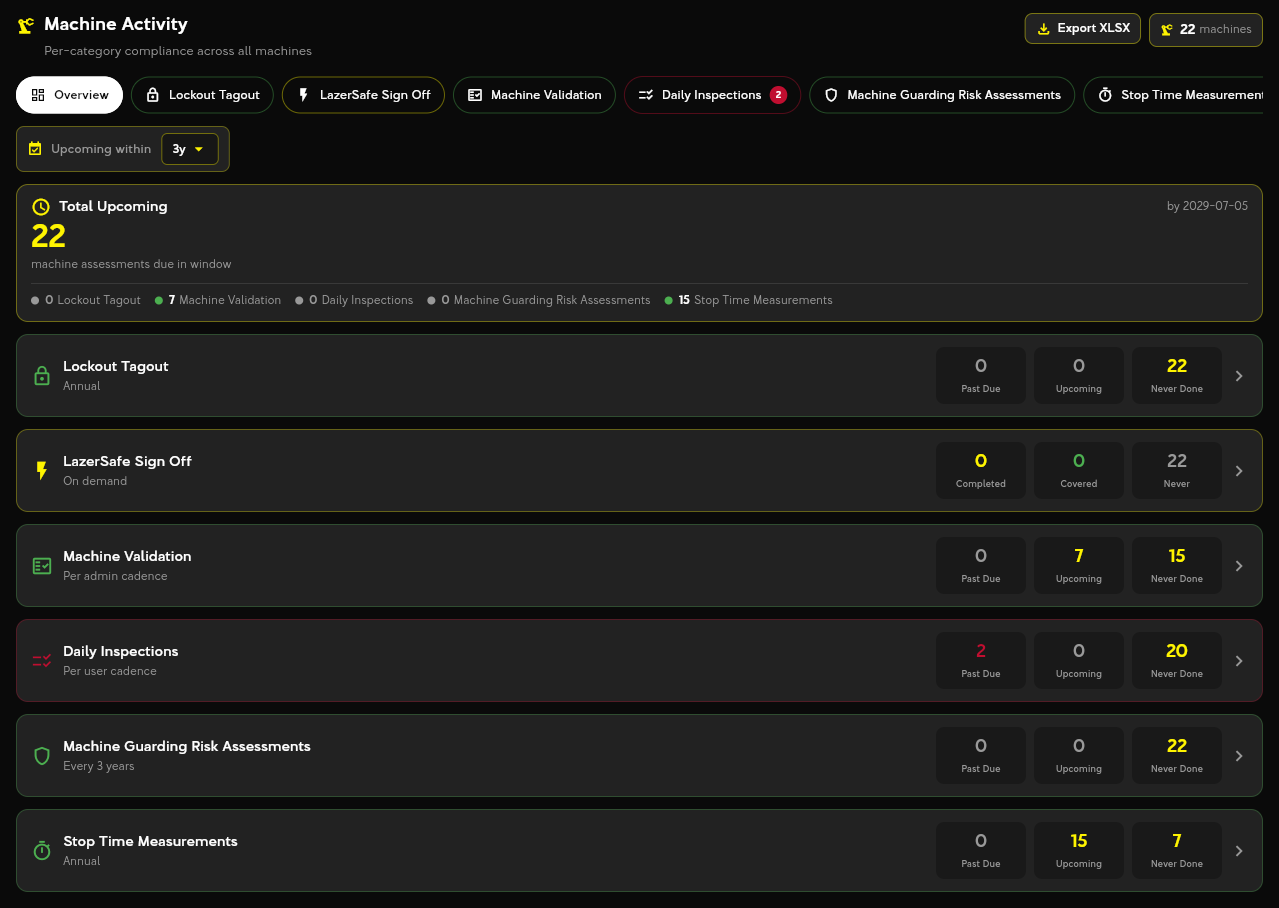
Training & Analytics closes the loop. Workers review and acknowledge the training modules assigned to them, and leaders get dashboards of completed, upcoming and overdue work across inspections, assessments, validations and training — rolled up across sites for corporate users.
These are the tools a user sees in the app under this module. Names match the app so your team can find them.
Training Modules
Review and acknowledge training modules assigned to you — forklift, lifting devices, emergency response, hazard communication and more — with a digital signature.
Analytics Dashboard
Organization-wide view of what is complete, upcoming and overdue, filterable by program and location.
Parent-Organization Rollups
Corporate users see every plant's status from one admin dashboard.
Document Archive
Every generated PDF / CSV is stored with its submission and searchable later.
- 01
Publish
Choose modules from the training catalog or add your own content.
- 02
Assign
Assign organization-wide or per user; due dates appear on each person's to-do list.
- 03
Acknowledge
The worker reviews the module and signs; the record is stored with a timestamp.
- 04
Report
Dashboards and exports show completion status for internal review or an auditor.
Captured in the field
- Module reviewed and acknowledgement text
- Digital signature, user and timestamp
- Assignment, due date and completion status
Produced automatically
- Signed training record per user
- Completion / overdue dashboards
- Cross-site corporate rollups
- Searchable document archive
Licensed per organization. Each app includes its checklist, scoring and report template.

Walk through a live demo with an Odiz safety specialist, or buy the apps you need from the catalog and get started today.
574.318.4333